Booking management · Updated · KLIOSO Team
Your first 15 minutes in KLIOSO: what to set up before your first online booking
You do not need to complete every setting before you start. Add your main services, set real working hours and test your personal booking link as a client.
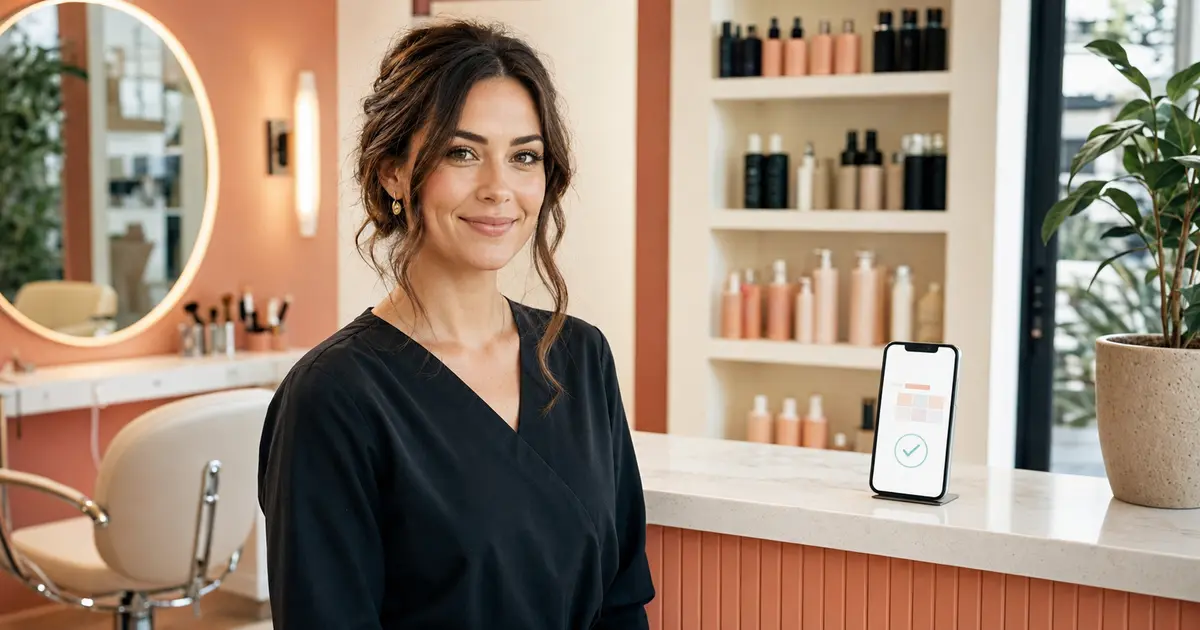
After creating an account, it is tempting to explore every section and complete every setting. Your first online booking does not require a perfect price list, a complete client database or months of history. You only need to configure a few essentials: who you are, what you offer, how long each service takes and when you work.
This check takes about 15 minutes and prevents clients from opening your link only to find unclear services or times when you are not actually available.
1. Check your profile name and basic details
Start with what the client will see. Use a clear professional name or studio name so regular clients immediately know they opened the correct page.
There is no need for a long promotional description at this stage. Clarity matters more: who provides the service, what can be booked and how the booking works.
2. Add only your main services
Do not transfer your entire old price list at once. Choose the services clients request most often and add those first. A shorter list is easier to test and makes mistakes easier to spot.
Use names clients understand. “Manicure with gel polish” is better than an internal abbreviation. Separate similar options only when their price or duration is meaningfully different.
3. Enter the price and realistic duration
A visible price helps clients decide without another message. Use a fixed price when possible. If the total depends on complexity, length or materials, create a clear option and explain the condition before the appointment.
Duration determines which time slots can be offered. Include brief consultation, preparation and finishing time, not only the procedure itself. An unrealistically short duration will push the rest of your day behind schedule.
4. Set your working days and hours
Only make available the hours when you are genuinely ready to accept clients. Set your working days and the beginning and end of each day. Do not leave unavailable periods open just in case.
Lunch, travel, supply runs and personal commitments should be blocked in advance. Online booking is useful when clients see real options and you do not have to ask them to choose again.
5. View your personal page as a client
Open your booking link like a normal visitor and check:
- whether it is clear who the booking is with;
- whether the right service is easy to choose;
- whether price and duration are correct;
- whether only available times are shown;
- whether the flow is comfortable on a phone.
Do not review the setup only from the professional dashboard. Clients follow a different path, and that full path is what matters.
6. Make one test booking
Select a service and an available time, then complete the booking as a client. Open the KLIOSO calendar and confirm that the new appointment appears on the correct day and at the correct time.
A test reveals mistakes in service duration, working hours or names before a real client encounters them. You can cancel the test appointment afterward so it does not occupy your schedule.
7. Check how you notice a new booking
Make sure your account contact details are current and that you can see new appointments inside the program. Do not rely only on memory or a client's message: the KLIOSO calendar should remain the main source of your current schedule.
If you use additional notifications, test them with your own appointment first so you know what the real experience looks like.
8. Share the link where clients already contact you
Start with one or two familiar channels: your social profile, a pinned message or a standard reply to new enquiries. You do not need to change every part of your communication at once.
Use a simple explanation: “Choose a service and an available time using this link.” When a regular client messages you directly, the same page can replace a long exchange about suitable hours.
9. What can wait until later
Do not postpone launch because everything is not perfect. A complete client database, rare services, detailed descriptions and extra settings can be added gradually.
Before the first real booking, confirm that:
1. your profile is recognizable; 2. your main services are available; 3. prices and durations are correct; 4. working hours match reality; 5. the test booking appeared in the calendar; 6. your personal link is ready to share.
The main point
Your first KLIOSO setup is not a large technical project. Add the minimum information a client needs to choose independently, then complete the full booking flow through your own link.
A clear page with five current services is more useful than a perfect catalog that takes weeks to launch. Your first real bookings will show what needs to be clarified, added or simplified.
Frequently asked questions
Set up your first booking in a few steps
Add your main services and working hours in KLIOSO, test your personal link and start accepting bookings online.
Start free ↗