Booking management · Updated · KLIOSO Team
How Nail Technicians Can Prevent Double Booking
A practical way to avoid appointment clashes while keeping client communication convenient.
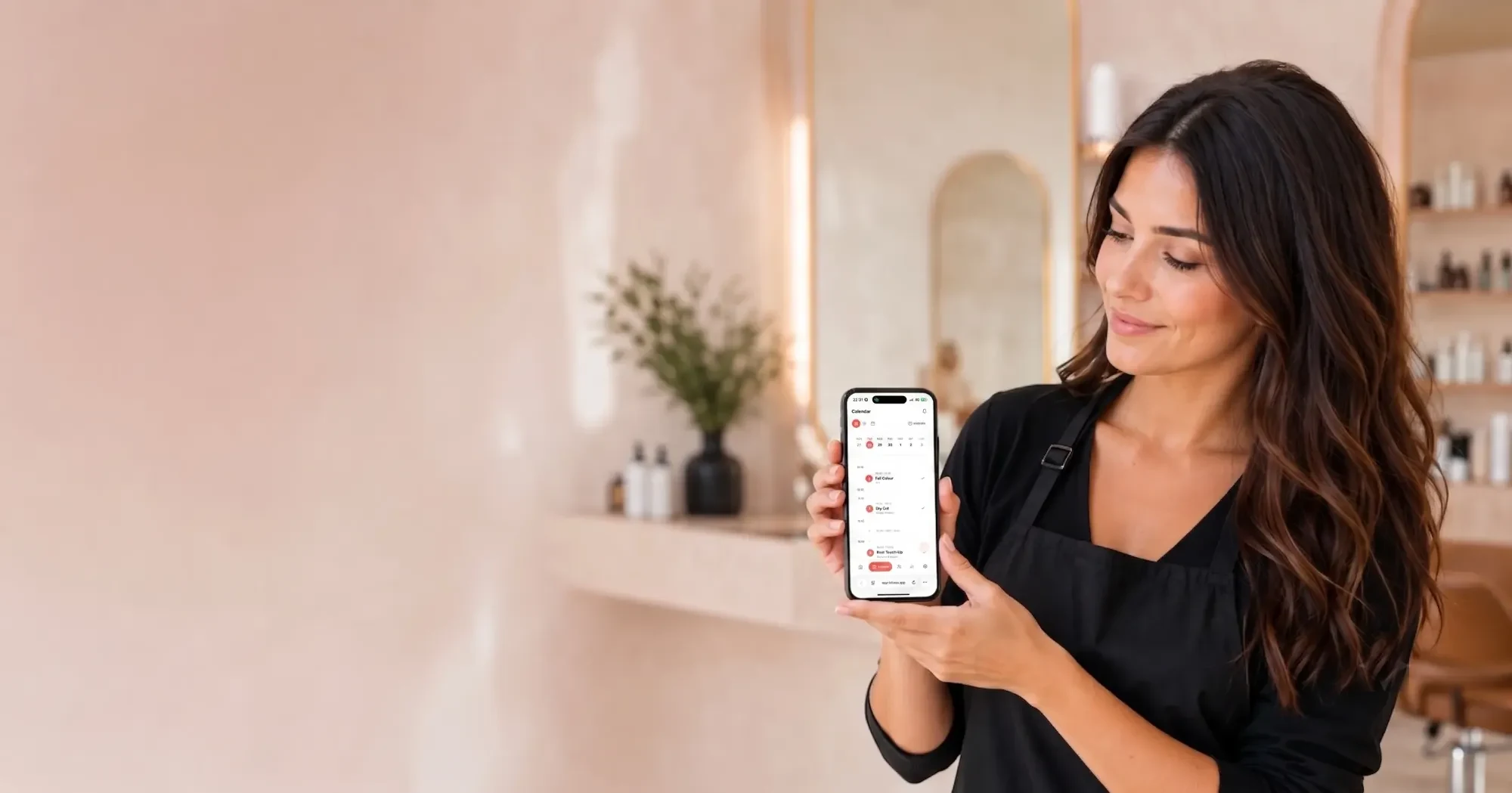
Double booking usually happens because appointments are kept in several places: Instagram messages, WhatsApp, calls, notes, and a calendar updated later. The answer is not to check every chat more often. It is to use one schedule as the final source of truth and show clients only the times that are genuinely available.
Why double booking happens
Most nail technicians do not deliberately book two people for the same time. The clash starts earlier: a time is confirmed in one place but is not reflected everywhere else straight away.
Common causes include:
- One client asks about 3 PM on Instagram while another asks about it on WhatsApp.
- You say, “Yes, that time is free,” but plan to enter it in the calendar later.
- A service is given a general duration even though removal, strengthening, or nail art needs more time.
- A reschedule is agreed in chat, while the old appointment remains in the calendar.
- Lunch, cleaning time, days off, or personal plans are not blocked in the schedule.
A notebook or phone calendar can work perfectly well when it is the only place where appointments are stored. Problems begin when a client sees one version of your availability and you manage another.
What to do when two clients are booked for the same time
Act quickly and calmly. Trying to decide who wrote first rarely helps; both clients need a clear solution.
- Check whether one appointment can move earlier or later without affecting the quality of your work.
- Message each client personally as soon as you notice the overlap.
- Offer two specific alternatives instead of asking an open question.
- Update the calendar immediately after the final time is agreed.
For example: “I noticed a scheduling conflict and I am sorry about that. I can see you today at 1 PM or tomorrow at 3 PM. Which option is better for you?”
Solving the current situation protects trust. The next step is to remove the process that allowed it to happen.
Three rules that protect your schedule
Use one main calendar
Clients can continue contacting you through Instagram, WhatsApp, Telegram, or phone. You do not need to force everyone to change their habit.
Your rule should be simple: every confirmed appointment goes into one calendar immediately. If a time is already there, do not offer it to another client. If it is not there yet, do not assume it is safely reserved.
This gives you one place to check before answering the question, “When do you have an opening?” It also means you no longer need to remember which chat contains the latest update.
Set a real duration for every service
A basic manicure, manicure with removal, nail art, and strengthening are not the same appointment. Give each service a realistic duration so your calendar shows not only the start time but also how much of the day is occupied.
For example, if a manicure with nail art takes two hours, a slot one hour later is not free. It is also sensible to leave a small buffer between clients for cleaning your station, taking photos, replying to an important message, or resting. That is not wasted time; it is part of a workable day.
Let clients choose from current availability
Manual conversations often create uncertainty. You offer a client 3 PM, they say they will think about it, and another person asks for the same time an hour later. The first client may return believing that slot is still available.
A personal online booking page makes the choice clearer. The client opens your link in a browser, chooses a service, and sees the available times at that moment. In KLIOSO, you set up services and working hours, then share one booking link; completed bookings appear in the same schedule you use for manually added appointments.
A simple setup for a solo nail technician
You do not need complicated salon software to organise bookings. A reliable setup has four parts:
- one calendar for every confirmed appointment;
- services with accurate prices and durations;
- working hours, breaks, and days off;
- an online booking page that shows clients available times.
Start with the services you perform most often. Add future appointments from your chats; you do not need to transfer your entire history. Then enter your real working hours, including times when you do not accept clients.
Share one booking link where clients can easily find it: in your Instagram bio, in a saved reply, on a business card, or in a QR code. A short message is enough:
“You can see available times and book here: [your booking link]”
Regular clients may still prefer to message you directly. That is fine. Once the time is confirmed, add the appointment to that same calendar straight away.
Build a habit that prevents mistakes
The tool helps only when it becomes part of your normal routine. The simplest habit is to check the main calendar before offering any time.
At the beginning of the day, open your schedule instead of scrolling through several chats. When a client writes directly, confirm the time only after you see that it is free. When plans change, update the appointment before you reply to the next message.
This takes less time than searching old conversations later. Clients also get a more professional experience because your answer is clear and confident.
The key point
Double booking is rarely caused by one careless moment. It is usually the result of storing appointments in different places, estimating service lengths, and updating information later.
One calendar, realistic service durations, and a booking link turn your schedule into a system you can trust. Keep communicating with clients in the channels they already use—just do not let chats become the only place where your working time exists.
Frequently asked questions
One calendar. No double bookings.
Give clients a booking page that only ever offers your real free times.
Start free ↗