Booking management · Updated · KLIOSO Team
Why Barbers Should Use a QR Booking Code
A QR booking code gives barber clients a quick route from the chair or checkout counter to current services and available appointment times.
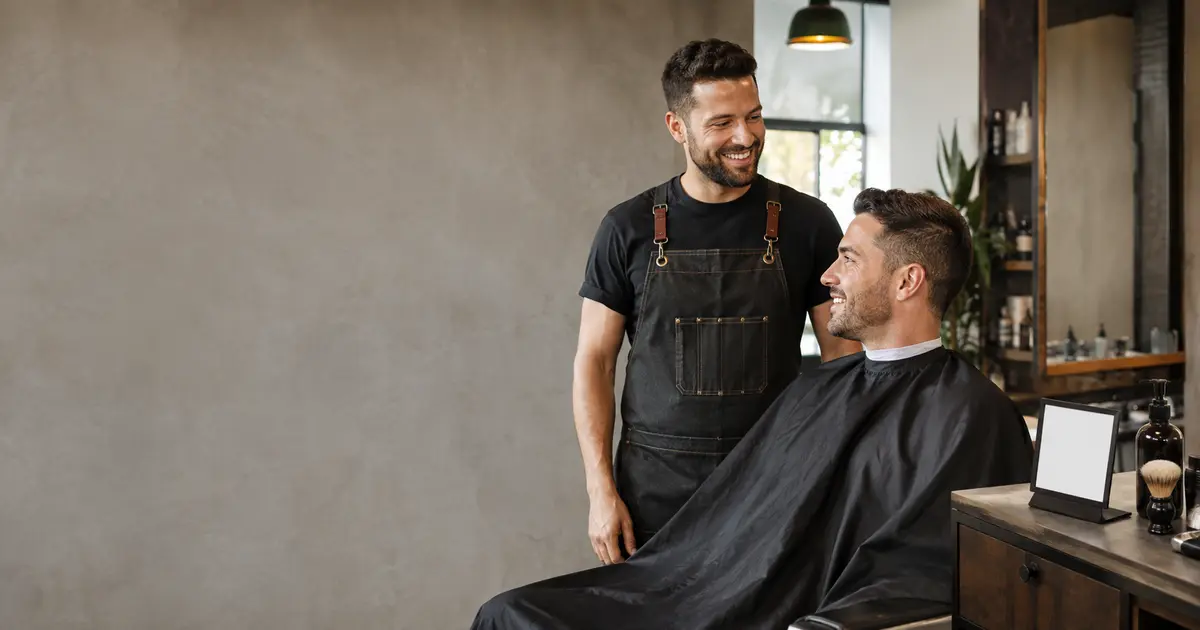
A QR booking code gives barbers a simple way to turn an in-person visit into the next appointment. The client scans once and reaches a browser page instead of searching a social profile or starting another message thread. It works best when the code opens a current booking page, appears at a natural decision point, and is tested before printing. The QR code is only the doorway; the page behind it must make the next step obvious.
Why a QR code fits the barbershop journey
Barber clients already spend time in places where the next visit feels relevant: in the chair, by the mirror, and at checkout. A small QR card lets them act at that moment without typing a username or saving a paper phone number. It is especially useful for returning clients who know the service they want but have not chosen a date yet.
A practical QR route can reduce several small obstacles:
- finding the barber's correct social profile;
- asking for the booking link again;
- copying a long address from printed material;
- waiting for a reply about available times;
- forgetting to book after leaving the shop.
The code does not replace personal service. It simply gives the client a clear self-service option while the barber continues working. Anyone who prefers a conversation can still ask for help or arrange the next visit directly.
What the QR code should open
The best destination is the barber's direct public booking page, not a social feed, a homepage with several buttons, or a file containing another link. Every extra step makes it easier to abandon the booking. In KLIOSO, the public route opens in a browser and can show the services configured by the professional. After choosing a service, the client sees suitable available times based on the working schedule and existing appointments.
The client then enters the required booking details and verifies the phone number as part of the booking flow. That verification step should not be hidden in your explanation: tell clients they will choose a service and time, enter their details, and confirm the booking. A direct destination also makes the printed code durable. You can update services, prices, durations and working hours in KLIOSO without reprinting the QR code, provided the public link itself stays unchanged.
Where to place the code
Placement matters more than printing the code everywhere. Choose surfaces that clients look at when they are waiting, admiring the result, paying, or planning their next visit. Keep the card visible, clean and easy to reach with a camera; do not hide it behind bottles or place it on a reflective surface.
Useful locations include:
- beside the mirror at each working station;
- on the checkout counter or card terminal stand;
- on appointment, loyalty or aftercare cards;
- near the waiting area or coat hooks;
- in the shop window for people passing after hours;
- on a portable sign used at events or pop-ups.
Use one main code consistently. If several barbers have separate schedules, each professional needs a clearly labelled code that opens the correct booking page. Test the viewing distance for every placement instead of assuming one printed size works everywhere.
How to create and test it safely
Copy the exact public booking link first, then use a reputable QR-code generator to encode that address. KLIOSO supplies the public booking link; this article does not assume that KLIOSO generates the graphic itself. For a stable page address, a static QR code is usually enough and avoids dependence on a third-party redirect that may later expire.
Before ordering a large print run:
- confirm that the encoded address is your real booking page;
- export a sharp image with strong dark-light contrast;
- keep a clear margin around all four sides;
- print a proof at the final intended size;
- scan it with both iPhone and Android cameras;
- complete one test booking and check the calendar.
Do not decorate the squares heavily or stretch the image. A beautiful code that cameras cannot read is just wasted counter space.
Give clients a reason to scan
A bare QR square creates uncertainty. Put a short instruction beside it, such as “Book your next haircut” or “Scan to choose a service and time.” This copy belongs on the printed card around the code, not inside the digital QR pattern. Clients should understand what opens and what they can accomplish before pointing a camera at it.
Keep the promise accurate. If the page requires phone verification, do not advertise “one-tap booking.” If the code opens a specific barber's schedule, name that barber clearly. Avoid crowding the card with prices, every cancellation rule, social handles and several competing codes. The printed piece needs one job: move the client to the correct page. Service descriptions, current prices and available times belong on the booking page, where you can update them without replacing every card in the shop.
Keep the page behind the code ready
A QR code makes an existing booking journey easier to reach; it cannot repair incomplete settings. Before displaying it, review what a client will see and whether the available times reflect the real working day. The public page should contain enough information for someone to choose confidently without asking a basic follow-up question.
Check these essentials:
- service names that clients recognise immediately;
- current prices for each bookable option;
- realistic durations, including normal finishing time;
- working hours that match the barber's actual availability;
- existing appointments entered in the KLIOSO calendar;
- a test flow completed from another phone.
Update the calendar whenever an appointment is added manually or a working period changes. The value of the QR code depends on trust: a displayed time should be a time the client can genuinely book.
Avoid the most common QR mistakes
The most expensive mistake is printing thousands of cards before testing the exact final file. Codes may fail because they are too small, low contrast, cropped, glossy, blurred, or linked through an unreliable redirect. Another common problem is sending everyone to a general social profile, where the client must search for the booking link again.
Treat the QR code as part of the booking route, not as decoration. Scan each physical placement after installation, especially window signs viewed through glass. Recheck it when the booking-page address changes. Do not cover the code with a sticker or place it where hair, water or cleaning products regularly obscure it. Finally, keep a normal clickable booking link in social profiles and messages. QR codes are excellent for physical spaces, but clients already using the same phone cannot conveniently scan a code displayed on that screen.
The key point
A barber QR booking code works when it removes a real step: scanning should open the correct browser booking page immediately. Place it where clients naturally think about returning, explain the action in a few words, and test the final printed version on different phones. Keep services, prices, durations, working hours and appointments current behind the link. The code does not replace conversation or the online booking page; it connects the physical barbershop to that page at exactly the right moment.
Frequently asked questions
Make every scan useful
KLIOSO connects your services, working schedule and public booking link so a barber QR code leads to a clear booking journey.
Start free ↗