Booking management · Updated · KLIOSO Team
How to Set Up an Online Booking Link for a Barber
A practical setup guide for solo barbers who want one dependable booking link, fewer scheduling messages and appointments that fit the working day.
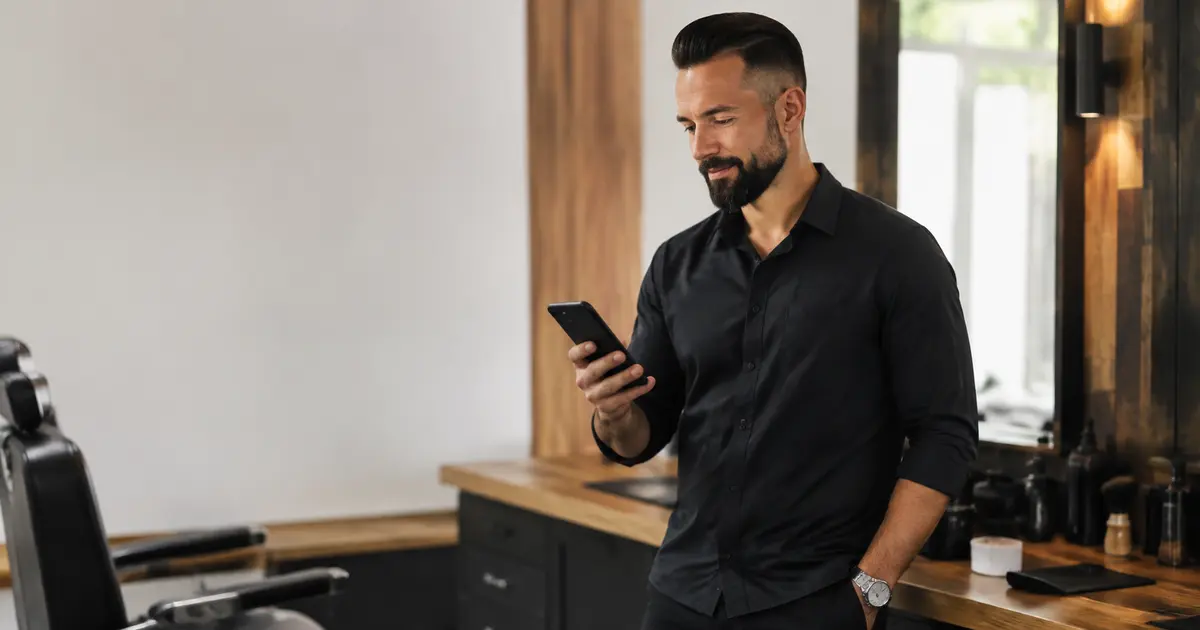
A barber’s online booking link should open a useful decision path, not another page that leaves the client searching. Configure recognizable services, honest durations and working hours first; then share one stable public link that shows times which can actually fit. The client should be able to open it in a browser, choose a service, select an available start and complete the required details without installing a separate app. The link saves messages only when the page behind it stays accurate.
Treat the link as a destination, not a saved reply
The link itself is only an address. Its value comes from what the client finds after tapping it. A general homepage, an expired profile link or a page with unclear choices simply moves the conversation to a different screen. The destination should answer the practical questions that normally trigger scheduling messages.
Before sharing it, confirm that a client can:
- recognize the haircut or grooming service they need;
- see the current price attached to that choice;
- understand how much time the visit reserves;
- choose only a start that fits the service;
- enter the required contact details;
- recognize when the booking is complete.
KLIOSO provides a public booking page built from the professional’s configured services and availability. Clients open that page in a browser, while the barber’s internal calendar remains private. A direct destination removes searching, but only careful settings make the route dependable.
Prepare a bookable barber menu before sharing
Do not begin with every variation performed. Start with standard appointments clients can distinguish without consultation: a haircut, beard trim, combined service or predictable option. Give each one a client-facing name, current price and realistic duration. If two services occupy meaningfully different amounts of time, they should not reserve the same slot by default.
Highly variable transformations may need a conversation before confirmation. A major restyle, complex colour work or a request whose scope depends on the client’s starting point should not be disguised as a short universal option. KLIOSO displays the services, prices and durations that the barber configures; it does not decide what a client’s request requires. A focused menu protects the calendar and makes the link easier to use. Review the list from a client’s perspective and remove internal abbreviations, obsolete prices and choices that cannot be delivered as shown.
Publish availability that survives a real barbershop day
Available time is credible only when the working calendar reflects the whole day. Set the hours you genuinely accept appointments, use realistic service durations and enter bookings agreed by phone or message. A walk-in can still be accepted, but its occupied time must reach the calendar before another client sees that period online.
Check these inputs together:
- regular opening and closing hours;
- days or periods when you do not work;
- the duration configured for each service;
- existing confirmed appointments from every channel;
- time already promised to a walk-in;
- any period you must protect from booking.
KLIOSO calculates available starts from configured working time, service duration and appointments already in the calendar. It cannot know about an unrecorded promise. When the public page and the working day disagree, the problem is usually missing or optimistic input rather than the link itself.
Use one stable link wherever booking begins
A booking route becomes harder to trust when different profiles and saved messages point to different destinations. Choose one current public link and use it consistently in the places where clients already decide to make an appointment. When the destination changes, replace the old version rather than leaving several routes active.
Consistency also improves staff-of-one discipline. Instead of typing available times in one conversation and sending a different page in another, the barber directs standard requests to the same source. Personal discussion still matters for uncertain work, accessibility needs or a correction to an existing appointment. The link is not meant to eliminate every conversation; it should remove repetitive scheduling from visits that are already clear enough to book. Keep the wording beside it specific: tell clients they can choose a service and an available time. Avoid promising that every request is automatically suitable for instant confirmation.
Explain the route without creating a new instruction manual
Clients need a clear expectation, not a paragraph of rules before they tap. A short sentence can say what the page contains and what action comes next. If phone verification appears in the documented flow, mention it before the client mistakes the step for an error. Keep exceptional cases separate from the standard route.
A useful introduction should clarify:
- that the link opens the current booking page;
- that the service is chosen before the time;
- that only displayed starts are available online;
- that contact details and verification are required;
- when the appointment becomes finalized;
- how to ask for help with an uncertain service.
Do not advertise “one tap” or guarantee a number of seconds. Device speed, connection quality and verification can vary. A more trustworthy promise is that the browser page presents the decisions in order and leads to a clear booking result.
Test the client journey and the calendar result
Open the final link on a phone that is not already signed into the professional account. Test a short service and a longer one, compare the displayed times with the real schedule and complete the required booking steps using recognizable test details. The result should appear in the working calendar with the intended service, date and start time.
Then test recovery. Select the wrong service and go back; enter an incorrect detail and check whether the problem is understandable; confirm that a client can tell whether the process finished. Remove or clearly label test appointments afterward so they do not block real availability. Repeat the check after changing services, durations or working hours. This end-to-end test is more useful than checking whether the URL merely opens. It proves that the public decision becomes a calendar entry the barber can actually deliver.
The key point
A barber booking link works when the destination, service menu and working calendar tell the same truth. Configure standard services with realistic prices and durations, keep every accepted appointment in the calendar and share one current browser link. Explain the few required steps, then test both the client journey and the final calendar result. KLIOSO supplies the public booking route and uses the barber’s settings to show suitable starts; dependable booking still depends on keeping those settings accurate every working day.
Frequently asked questions
Make Every Booking Usable
KLIOSO connects your public link with service choices, available start times, client details and finalized appointments in your working calendar.
Start free ↗